Most creators and marketing teams are sitting on more usable video material than they realize. Raw footage from a product shoot that never made the final cut. Screen recordings that need a visual overhaul. Old brand videos that are structurally sound but visually dated. Interview clips shot in suboptimal conditions. The content exists — what’s been missing is an efficient way to transform it into something publish-ready without a full re-shoot or expensive post-production work.
Video-to-video AI has changed that calculus meaningfully. The ability to take existing footage and apply style transfers, visual overhauls, motion enhancements, or complete aesthetic transformations using AI is no longer a niche capability for technical specialists. It’s becoming a standard part of professional content workflows for creators, marketers, and production teams who need to produce more from what they already have.
- What Video to Video AI Is Actually Capable of in 2026
- Key Applications Across Different Creative Contexts
- How Pollo AI's Studio Structure Supports the Full Workflow
- Animaker and Understanding Where Different Tools Fit
- Getting Consistent Results From Video to Video Transformation
- Why Video Transformation Belongs in Every Content Workflow
What Video to Video AI Is Actually Capable of in 2026
The gap between what video-to-video tools could do eighteen months ago and what they can do now is substantial. Early implementations were limited to surface-level style filters that looked impressive in demos but broke down quickly on real footage with complex motion, lighting changes, or multiple subjects. Current models handle those challenges with significantly more stability and coherence.
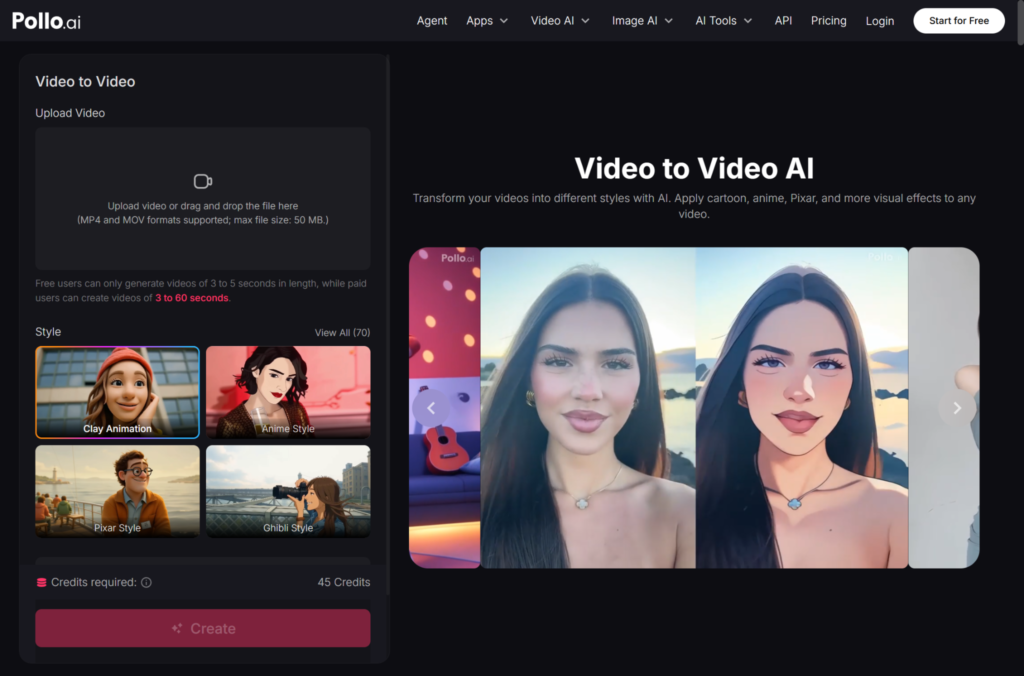
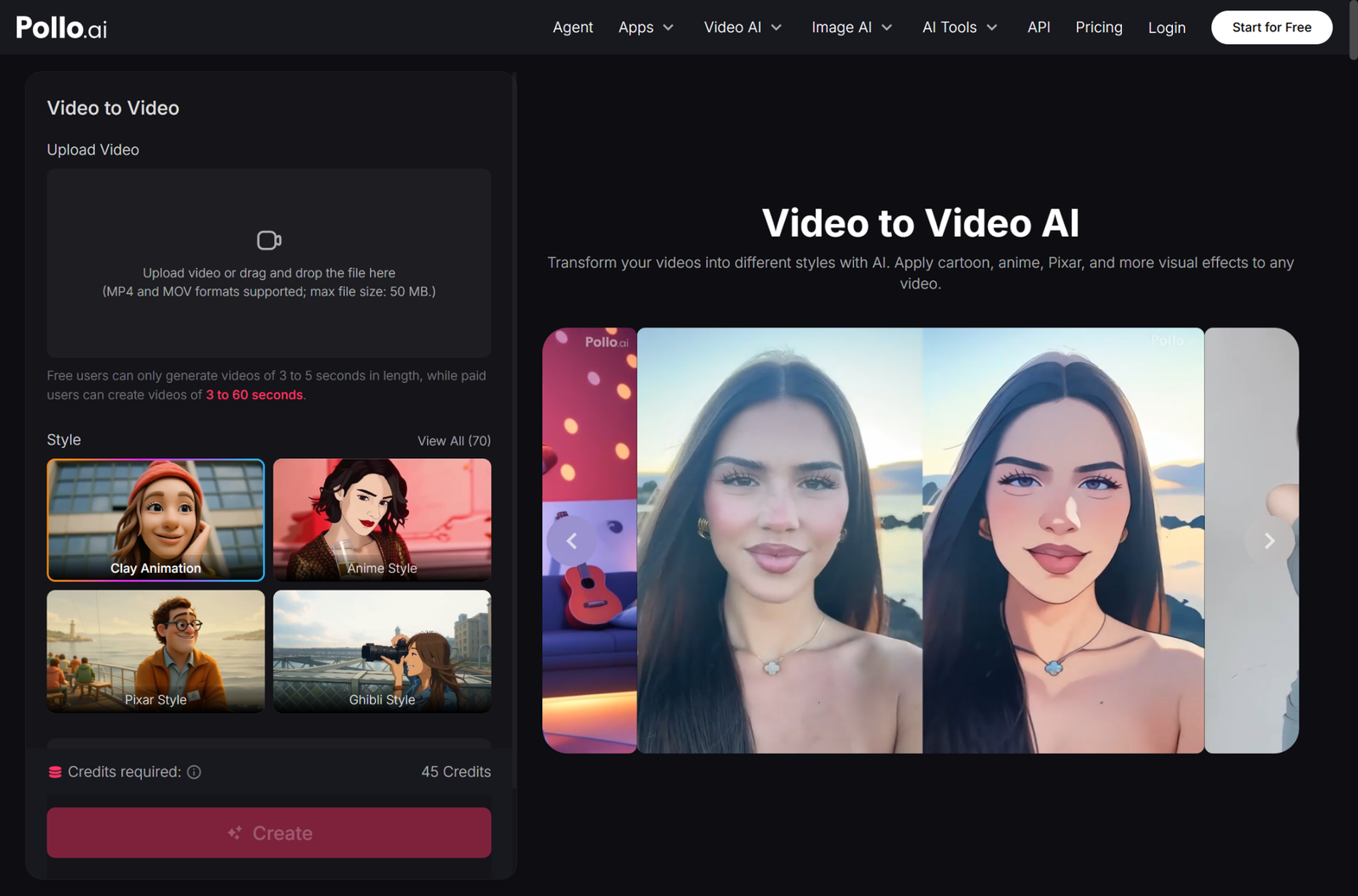
Pollo AI’s dedicated video to video AI tool inside its Creative Studio brings together multiple generation models in a single environment, which matters for this specific use case more than most. Video-to-video transformation is a task where different models produce genuinely different results — some handle motion consistency better across longer clips, others produce stronger stylistic transformations, others are better suited to subtle enhancement rather than dramatic overhaul. Having access to several models on a shared credit system means you can match the approach to the specific transformation you need rather than working within a single tool’s constraints.
For creators working with existing footage libraries, this turns archival material into fresh content. For marketing teams, it means campaign assets can be visually refreshed without reshooting. For e-commerce brands, product videos shot in one visual style can be adapted to match updated brand guidelines or seasonal aesthetics.
Key Applications Across Different Creative Contexts
The most immediately useful applications of video-to-video transformation break down by professional context. For content creators, the primary use case is style consistency — taking footage shot across different conditions, lighting setups, or even different cameras, and bringing it into a coherent visual language. A YouTube creator who shot travel footage across multiple trips, for example, can use video-to-video transformation to give the whole body of work a unified look that would have required expensive color grading and post work to achieve manually.
For marketing teams, the application is often about adaptation. A hero brand video that works well for one platform needs to feel different for another — more energetic for TikTok, more polished for LinkedIn, more product-focused for a paid social campaign. Video-to-video AI makes those adaptations faster and less resource-intensive than traditional editing approaches.
For production teams working under tight timelines, it solves the problem of footage that’s technically usable but visually underwhelming. Clips shot in flat, uninspiring conditions can be transformed into visually compelling content without a reshoot — which on a real production schedule can be the difference between meeting a deadline and missing it.
How Pollo AI’s Studio Structure Supports the Full Workflow
Video-to-video transformation doesn’t happen in isolation — it’s one step in a broader content production process. Where Pollo AI’s platform design becomes genuinely useful is in how it connects that step to everything else in the workflow.
The Creative Studio handles video transformation alongside image generation, text-to-video, and audio creation — all on shared credits. That means a workflow that starts with AI-generated images, moves through video production, incorporates transformed footage, and ends with an audio layer can happen entirely within one platform. For creators who currently manage three or four separate subscriptions to cover those capabilities, the consolidation has real financial and operational value.
Pollo AI’s Marketing Studio extends this further for teams producing advertising content. Transformed footage that meets creative quality standards can flow directly into ad-format production, with the platform’s marketing-specific tooling handling the output requirements for different paid social platforms. The Commerce Studio rounds out the picture for e-commerce brands, connecting product photography and video content in the same environment.
Animaker and Understanding Where Different Tools Fit
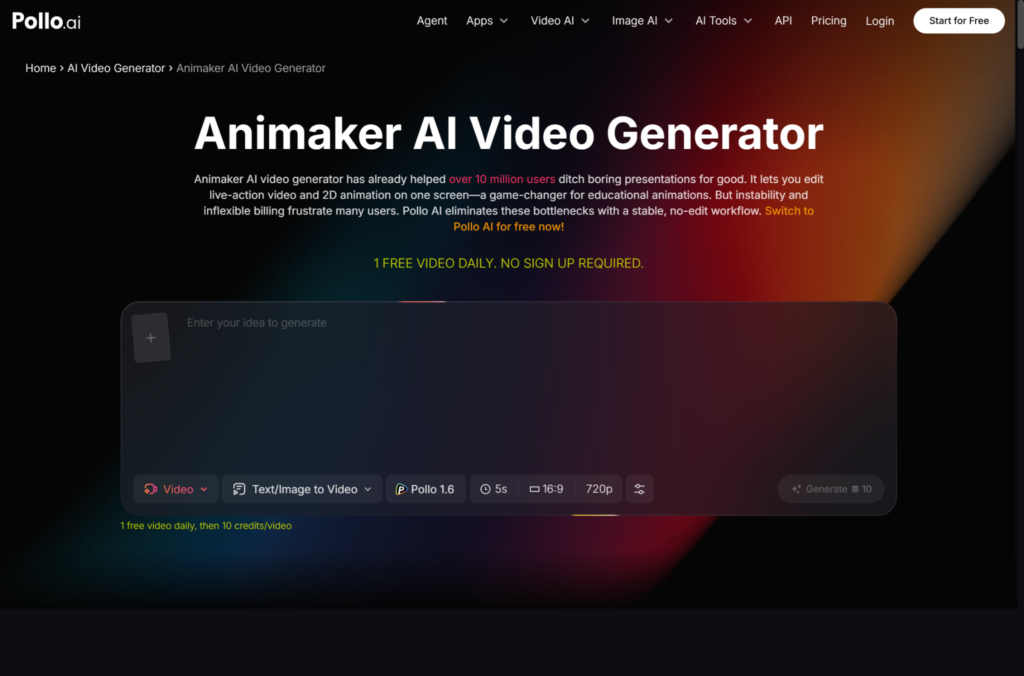
The broader AI video ecosystem includes tools that approach video production from very different angles, and understanding those differences helps you build a more informed workflow. Animaker has built a strong position in the animated video and explainer content space — it’s particularly well suited for teams that need to produce character-based animations, educational content, or structured explainer videos with a consistent visual style. For those specific use cases, it’s a legitimate tool worth evaluating on its own merits.
Video-to-video transformation and animation-based production solve different problems, which is why having clarity about your specific output needs matters before committing to a workflow. Pollo AI’s multi-model, multi-studio approach is designed for teams whose needs span real footage transformation, generative video, and marketing content — rather than optimizing for a single content type.
Getting Consistent Results From Video to Video Transformation
Like most AI generation tools, video-to-video produces better results with more deliberate input. A few principles that consistently improve output: start with the highest quality source footage available, since the model has more information to work with and produces more stable transformations. Keep clips shorter for initial testing — understanding how a model handles your specific footage type on a ten-second clip before committing to a three-minute transformation saves significant time and credits.
Be specific about the transformation objective. There’s a meaningful difference between “make this look more cinematic,” “apply a consistent color grade,” and “transform this into an animated style” — and the prompt or settings that produce good results for one objective will often underperform for another. Treating video-to-video transformation as a directed creative decision rather than an automatic enhancement leads to consistently better output.
Why Video Transformation Belongs in Every Content Workflow
In 2026, the volume of video content required to maintain a meaningful presence across social, paid, and owned channels has outpaced what traditional production methods can sustain for most teams. Video-to-video AI doesn’t replace creative vision or strategic thinking — it removes the production bottleneck that prevents teams from acting on the content ideas they already have.
For SMBs and independent creators especially, the ability to transform existing footage into fresh, platform-ready content changes what’s achievable without a large production budget. Pollo AI’s integrated approach — bringing video transformation, generative video, and marketing-specific output into one platform — is built precisely for teams working at that intersection of creative ambition and practical resource constraints.